Live now
Users can rely on this flow in the current product.
This inventory now shows the product with proof: not just status labels, but screenshots, manuals, and concrete paths into each part of the lifecycle.
Users can rely on this flow in the current product.
The core value exists, but depth or polish is still growing.
Advanced infrastructure stays behind lighter public product rooms for now.
The capability exists, but consistency, language, or edge-case handling still needs work.
Scan contracts, extract OCR text, or open a real form guide.
Fix risk language, annotate, fill fields, sign, and export from the same document workspace.
Prepare recipients, add fields, protect signer access, and track the package.
Return to signed PDFs, audit evidence, templates, archive, and usage history later.
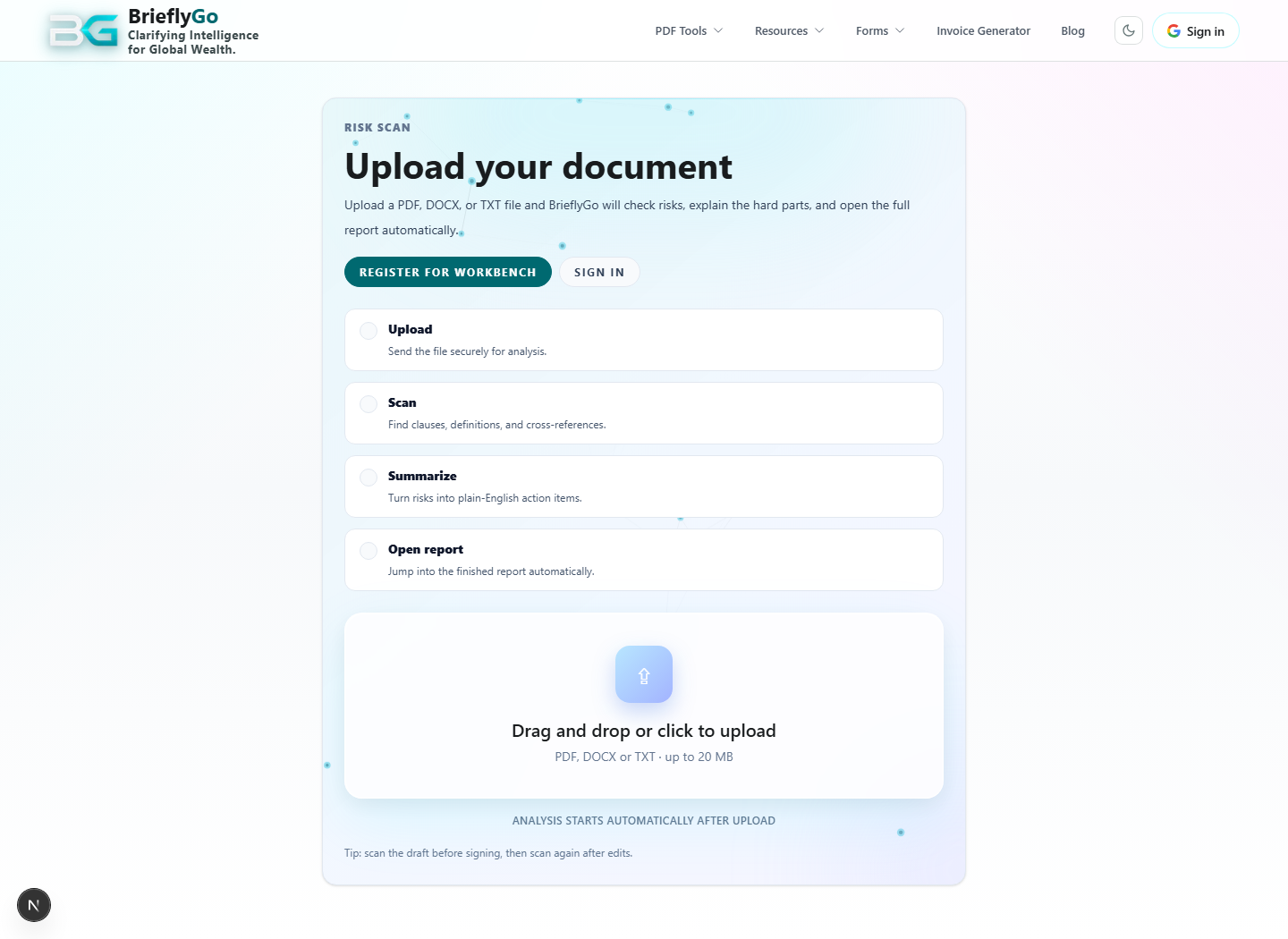
BrieflyGo starts with upload, OCR, or a form page instead of forcing users into an account-first maze.
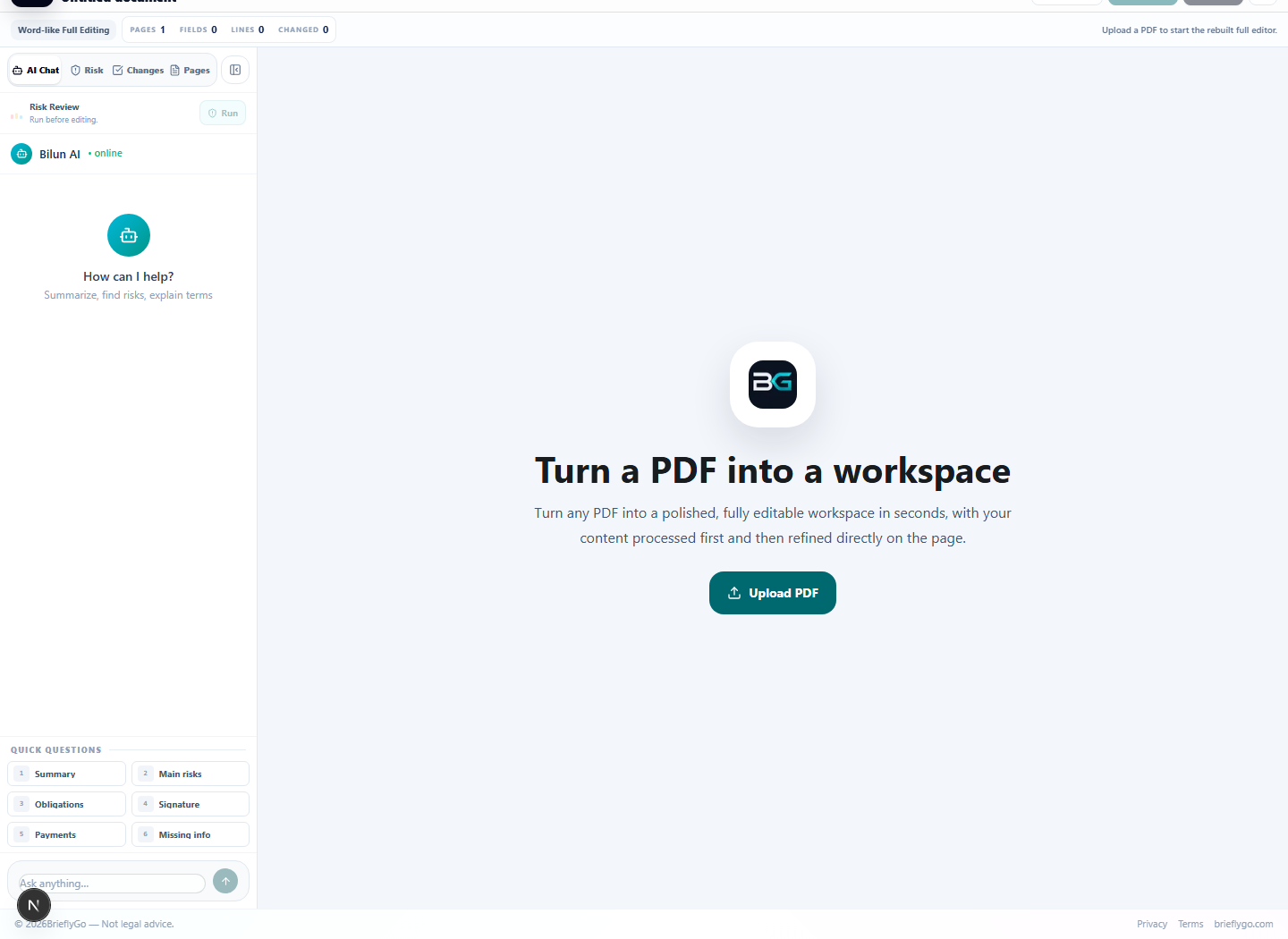
The same document carries forward into Soft Editor, so fixes, annotations, fields, and signatures stay in one workspace.
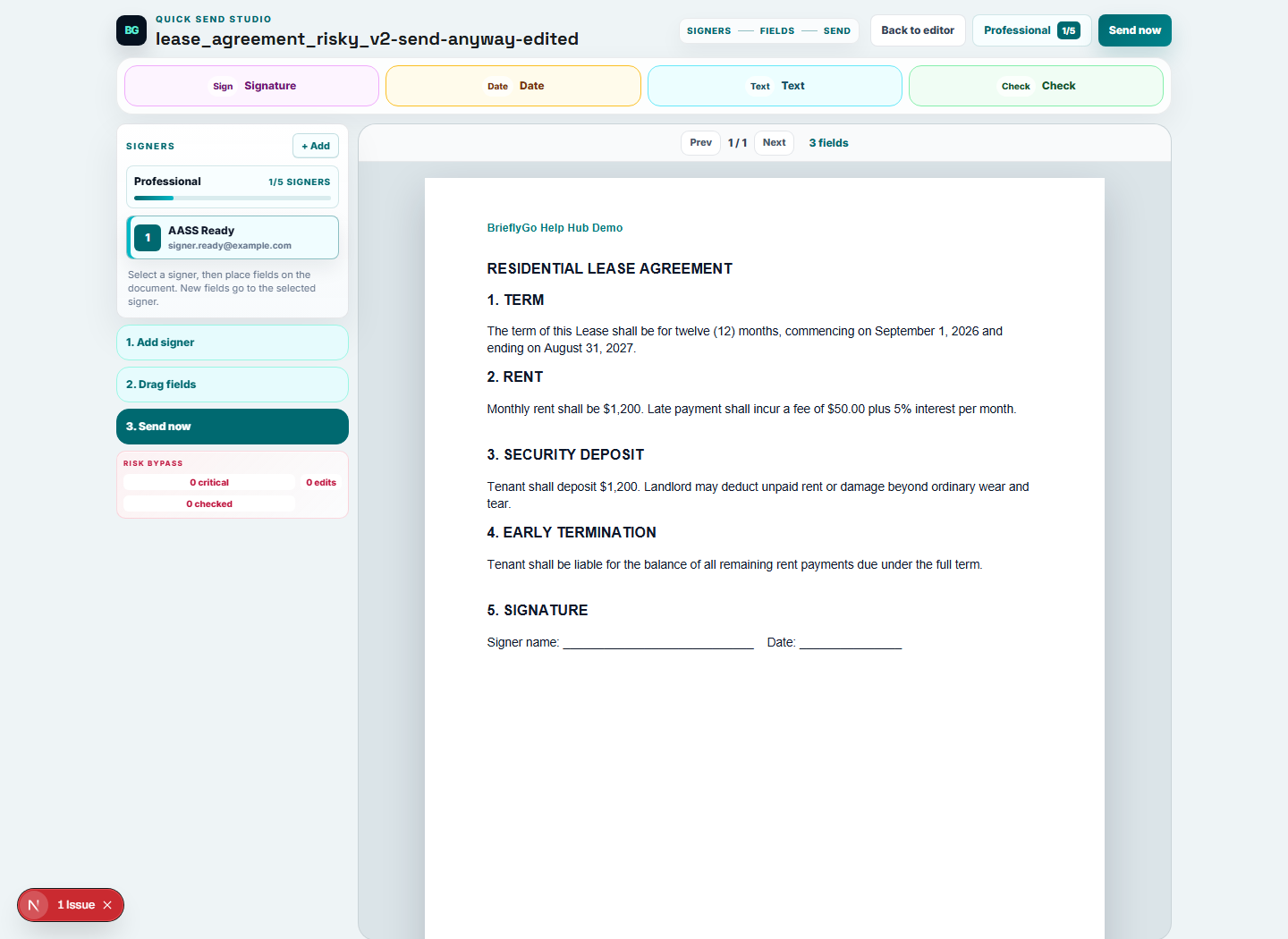
Quick Send turns a finished document into a focused recipient-and-field workflow instead of dropping users into a heavy back office.
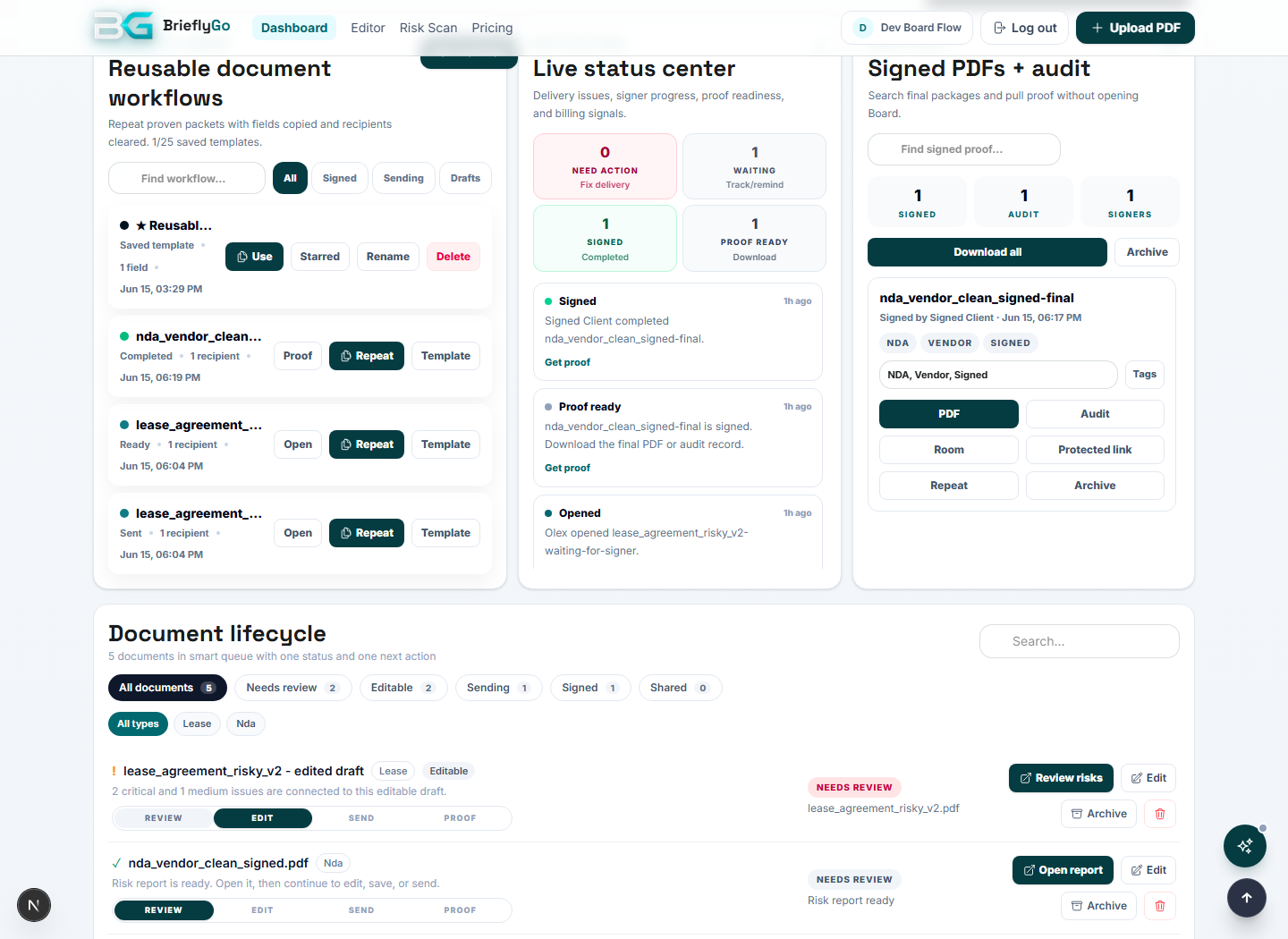
Dashboard, Status Room, and Proof Vault keep signed PDFs, audit evidence, archive, and next actions tied together.
Photo upload (JPEG/PNG/WEBP/HEIC), EasyOCR + AI correction, fillable field detection with bbox, async processing, opens result in Soft Editor.
Screenshot proofOCR result opens in Soft Editor
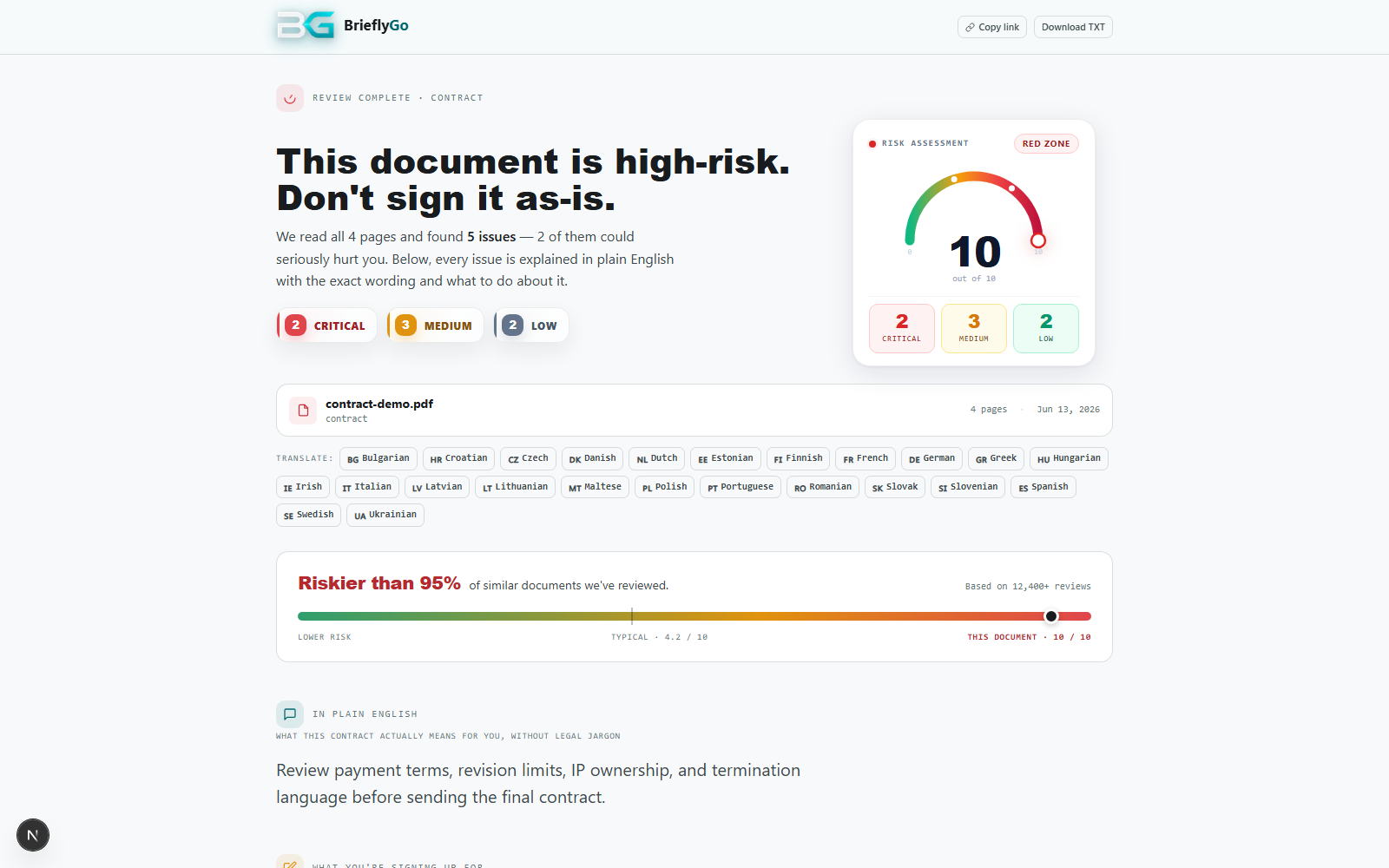
Plain-English summary, risk counts, issue cards, fixes, report TXT, editor handoff.
Screenshot proofPlain-English risk report view
Text blocks, fields, signatures, comments, markup, re-check, export, send entry.
Screenshot proofSoft Editor workspace
Lightweight recipient/field/send flow with plan-based signer limits.
Screenshot proofRecipient and field setup
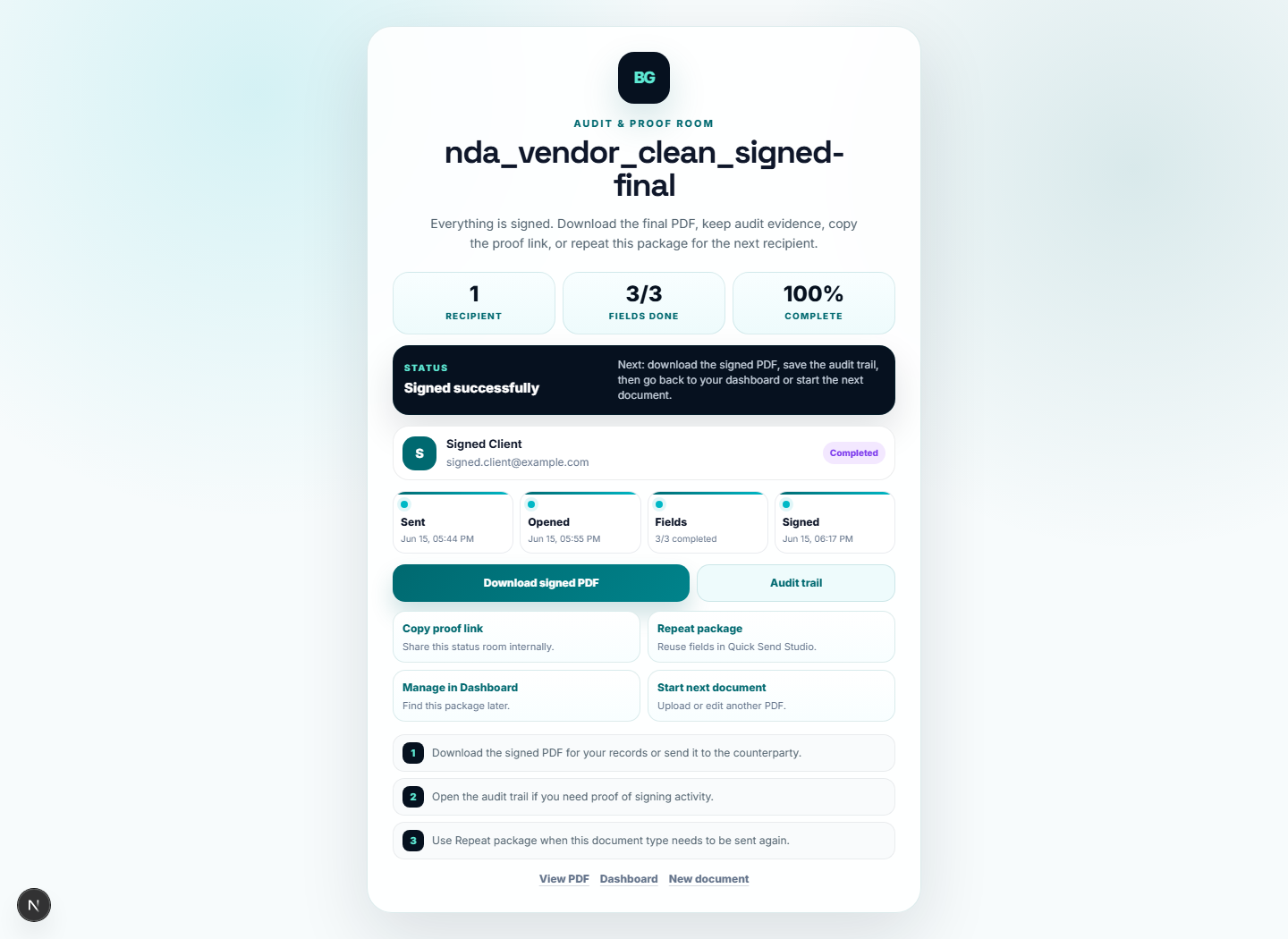
Sent/opened/fields/signed progress, signed PDF, audit action, next steps.
Screenshot proofSigning progress and final actions
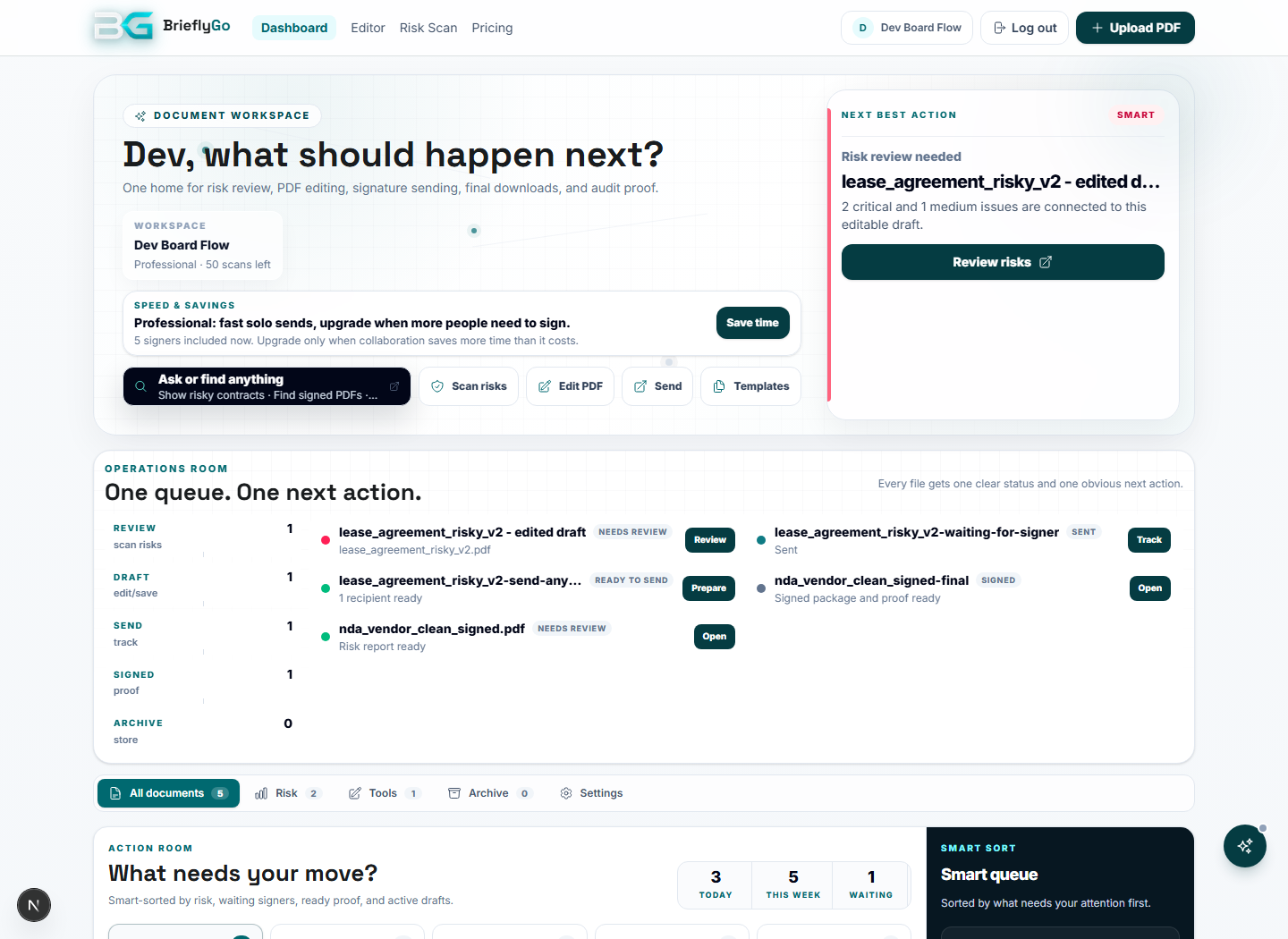
Operations room with lifecycle, saved copies, signed packages, templates, notifications, archive.
Screenshot proofSigned-in dashboard workspace
Signed PDFs and audit proof exist; deeper search/tags/share hardening continues.
Screenshot proofSigned proof and lifecycle evidence
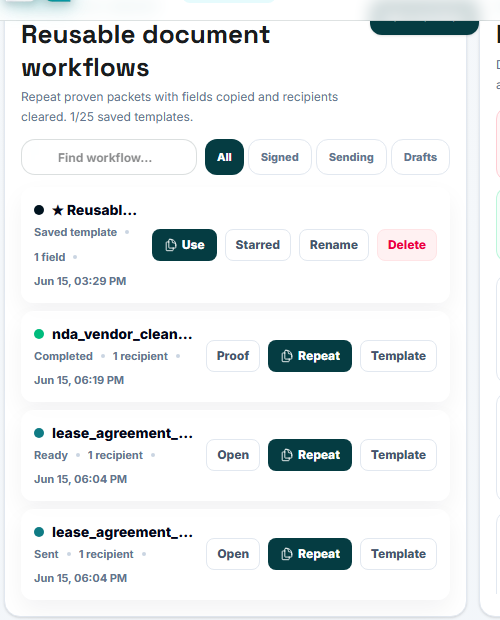
Reusable workflow library with rename/delete/favorite foundations.
Screenshot proofReusable workflow templates
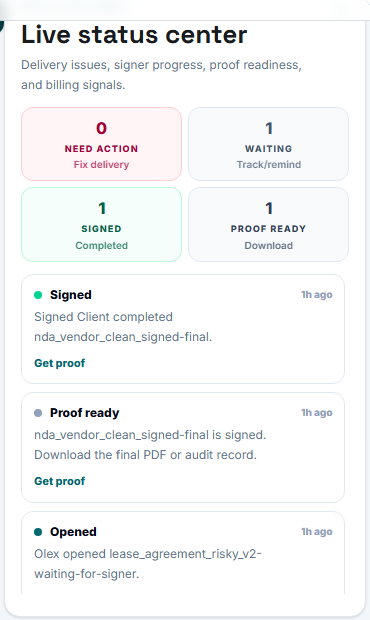
Activity feed exists; deeper persistence and failed-email/reminder history are next.
Screenshot proofRecent activity and signer events
Infrastructure remains quarantined behind lightweight rooms until polished.
Screenshot proofLightweight rooms stay public while deeper board infrastructure stays internal
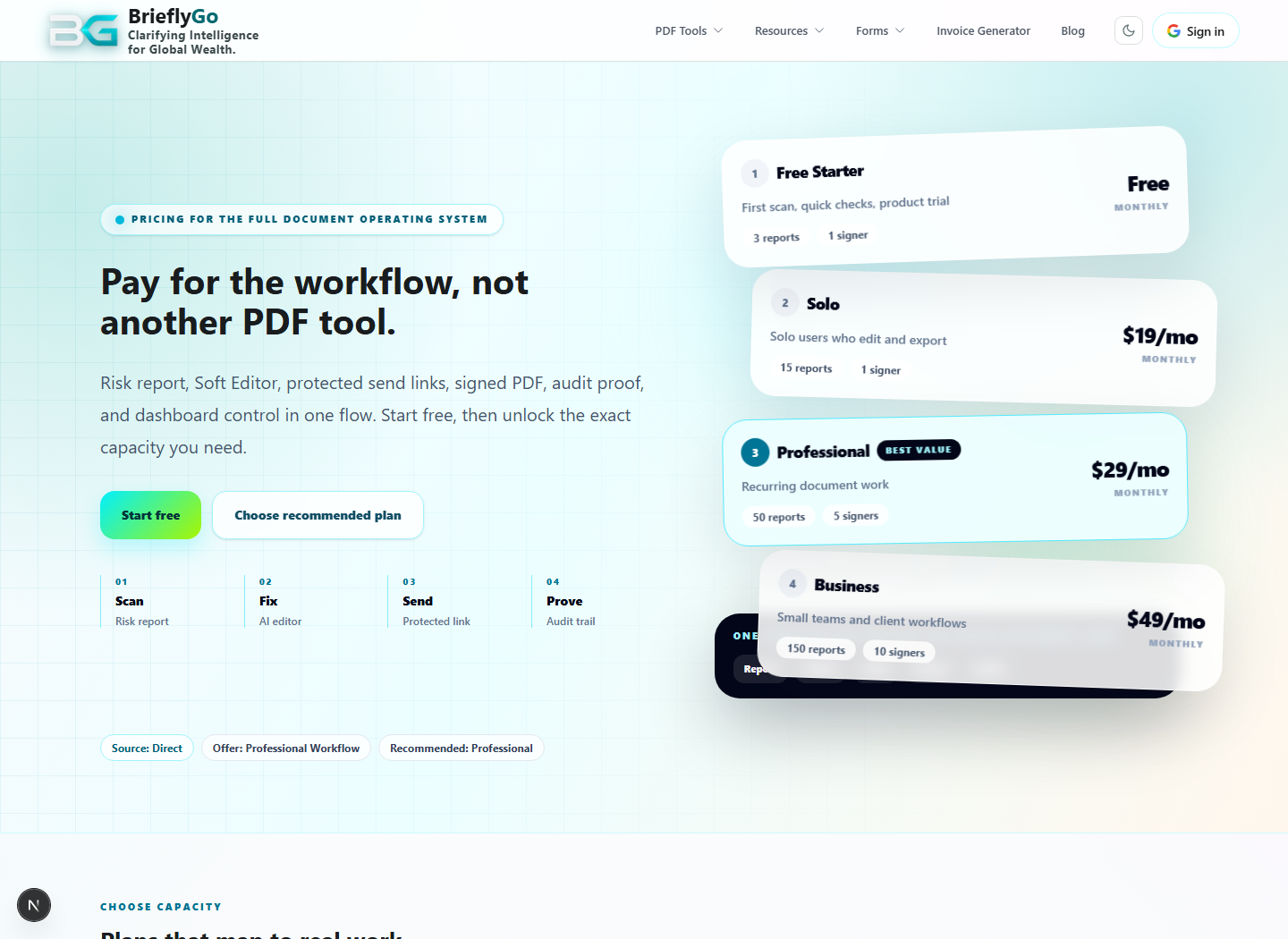
Plan limits exist; every entry point needs consistent upgrade language and enforcement.
Screenshot proofPlans and limits touch multiple flows
BrieflyGo reviews your contracts in plain English — instantly.